04. Ambient
Now let’s bring in an ambient audio track into premiere. Navigate to your course materials, and import the mp3 file inside of the SpatialAudio/Raw Footage directory.
It’s a good practice to record a minute of background noise during your 360 shoots. There are two important uses for background audio recordings:
- You can use the background audio to remove noise from your recording. A great program for doing this is Adobe Audition.
- You can create an ambient audio track for spatialized audio.
Drag the ambient audio file onto a separate audio track in Premiere and adjust its length to match the video.
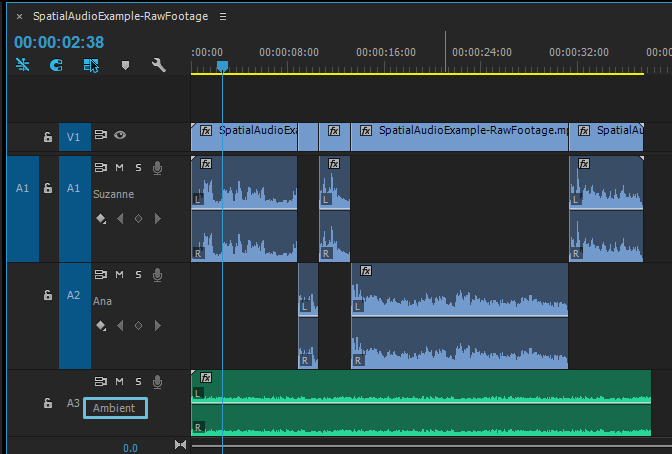
When you’re done, your Premiere sequence should now have an ambient audio track.